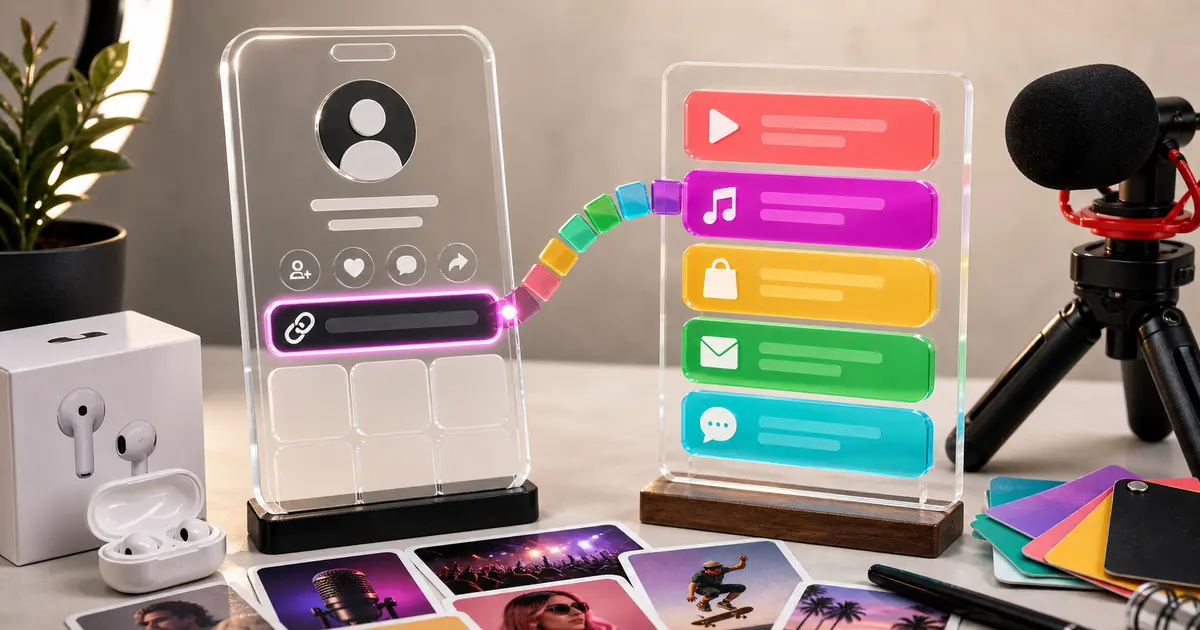
How to add a link to your TikTok bio
Set up a bio link that sends followers to your content, shops, music, and social profiles.
Start here when you need to choose a tool, plan your page, compare alternatives, or understand how a bio link should support the content you publish across TikTok, YouTube, Instagram, music, shops, newsletters, and communities.
Set up a bio link that sends followers to your content, shops, music, and social profiles.
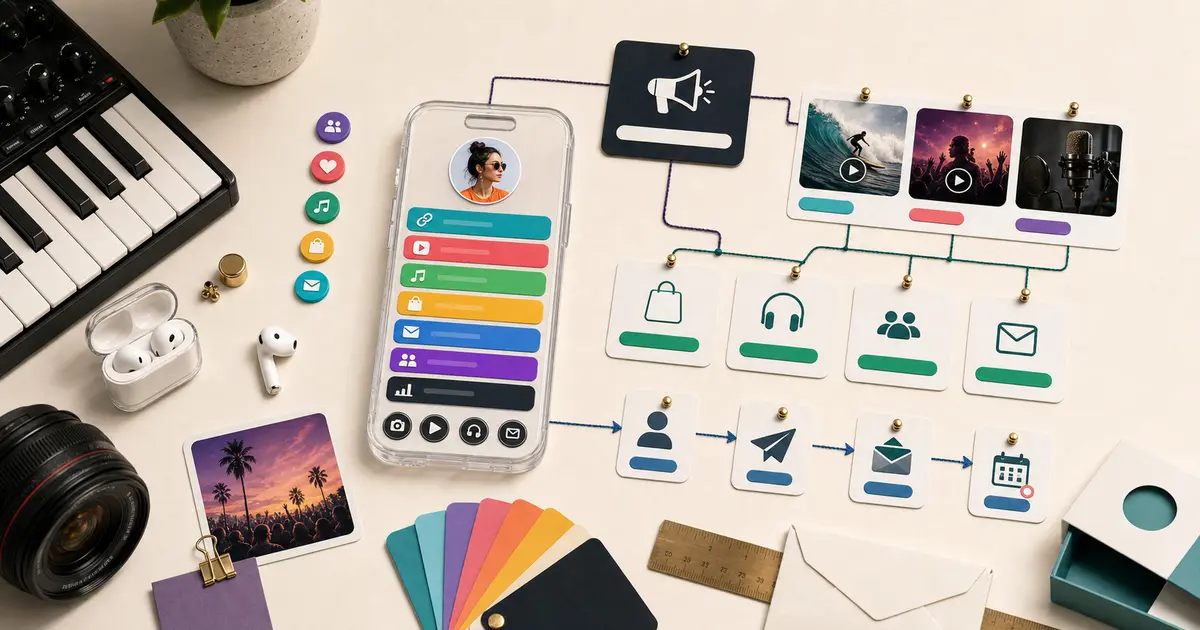
Plan the destinations, content blocks, and priority links that belong on a modern creator profile.
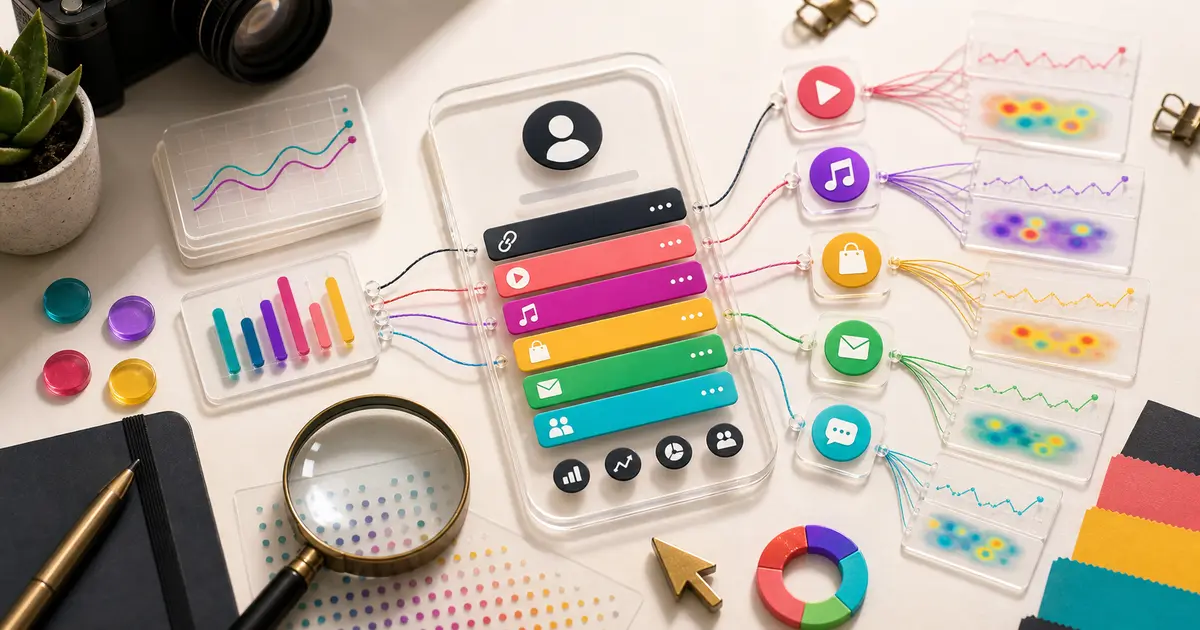
Turn clicks into a clearer content plan by reviewing which platforms, offers, and links earn attention.
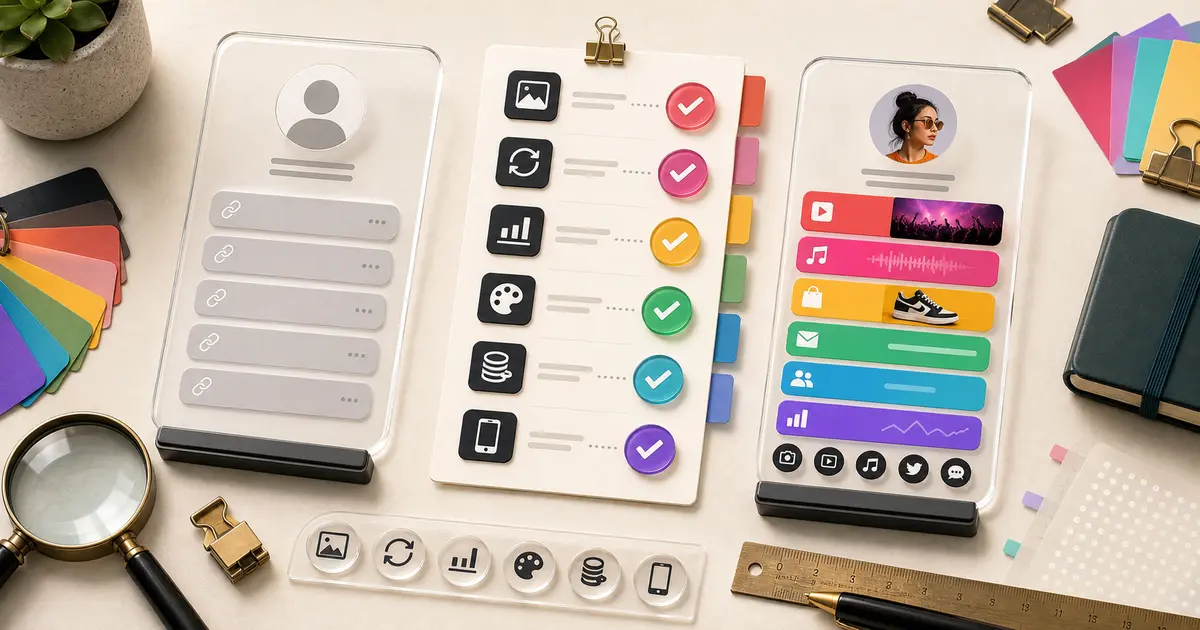
Use a practical checklist for comparing bio link tools by content, pricing, analytics, and maintenance.
Alternative and side-by-side guides for creators deciding whether Bytesize fits better than another tool.
Neutral comparisons for creators choosing between Linktree, Beacons, Stan Store, Carrd, and Milkshake.
Use-case guides for musicians, streamers, DJs, YouTubers, TikTok creators, and content creators.
Best-of pages for creators deciding which link-in-bio setup fits their workflow.
Plain-language definitions for link-in-bio, creator profile, and landing page terms.
Your newest videos and posts, on one link that keeps itself up to date.